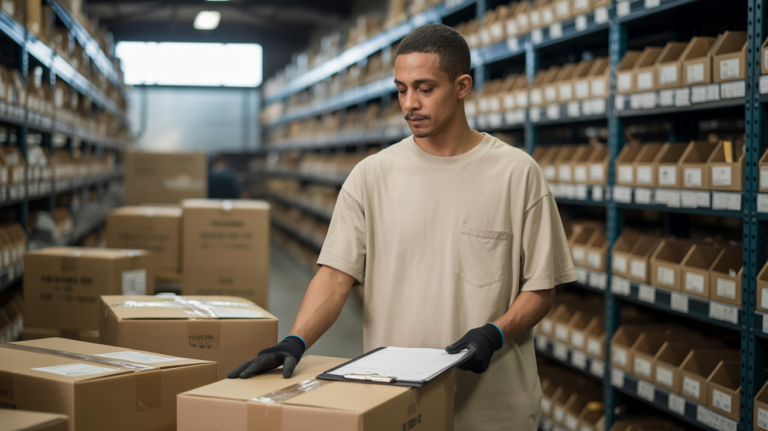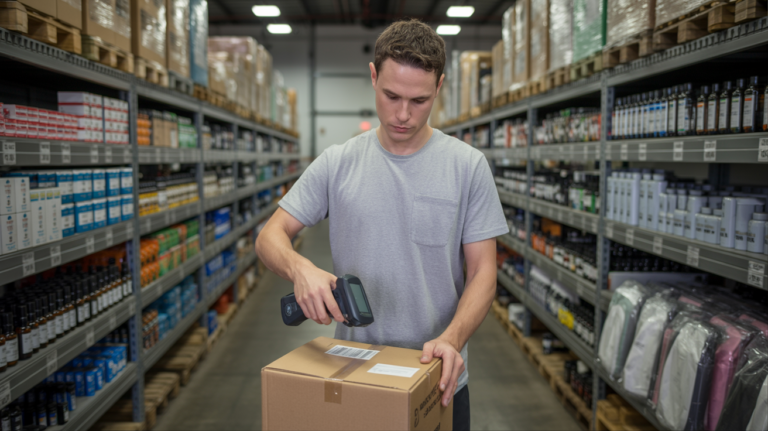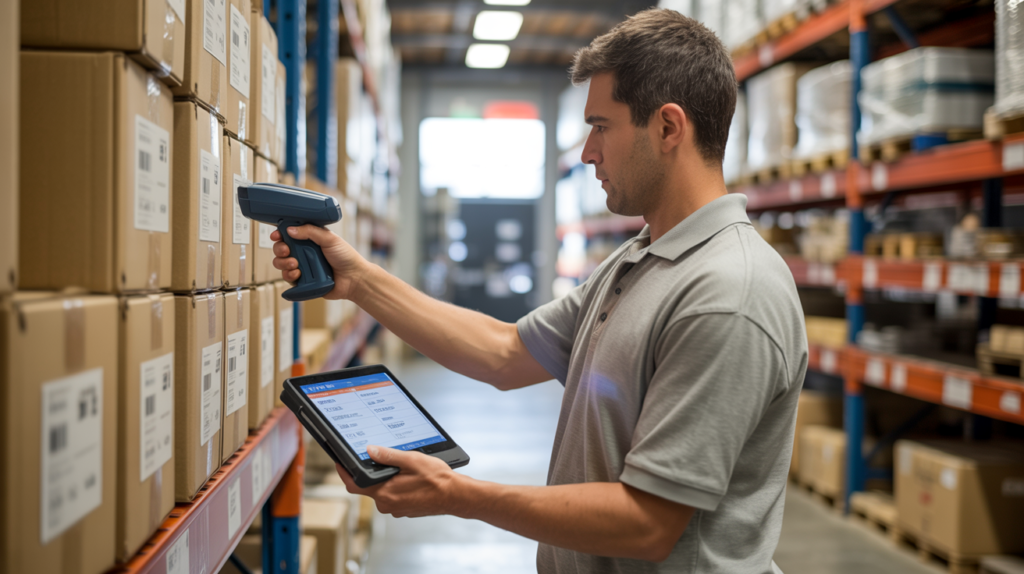
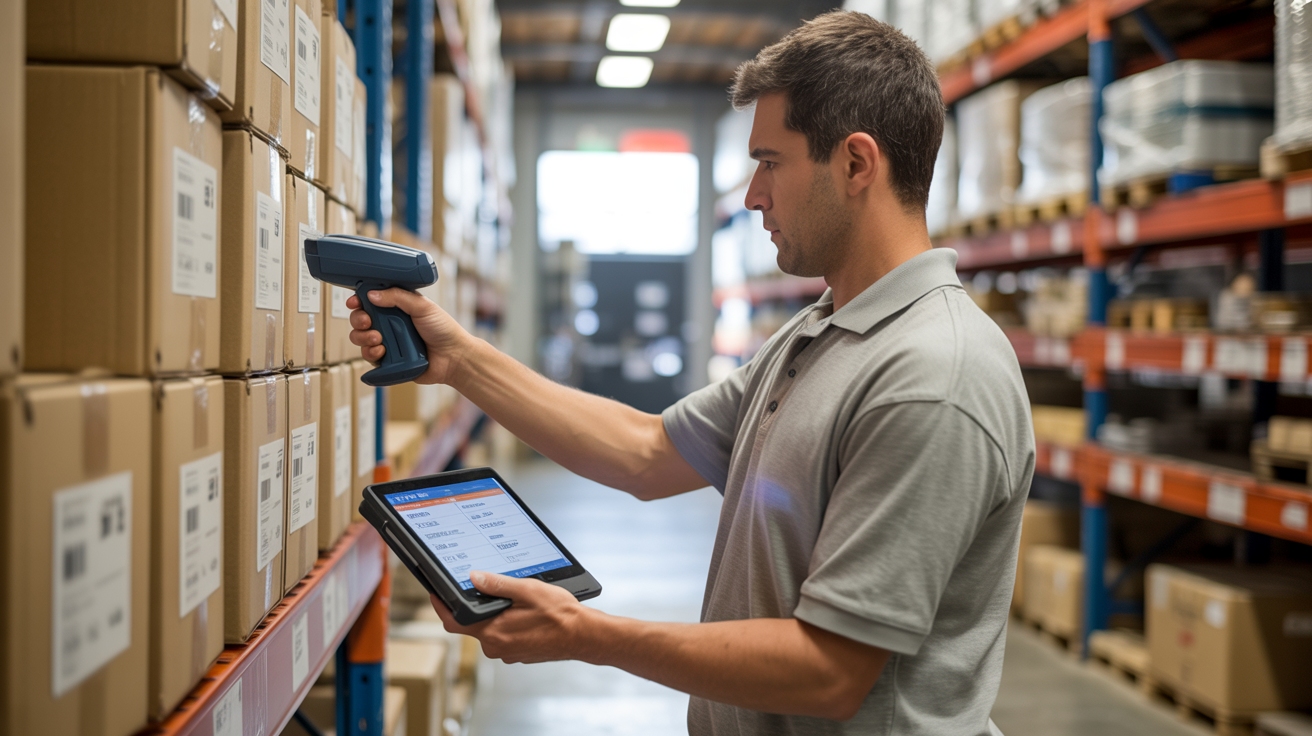
If you're running FBM out of your own garage or a self-storage unit, you're probably tracking inventory in a spreadsheet that's already three days out of date by the time you check it. That's the problem a real FBM WMS solves, and it's the thing sellers ask us about most once they realize prep and pick-pack alone won't cut it — they need to actually see what's happening to their stock.
We don't build our own warehouse software. We use Ysell (Ysell.pro), a WMS built by Fulfillmentbox.com, to run the floor here in Lebanon, Ohio. When you onboard with us, you get your own login and a personal ID at Ysell.pro — not a shared dashboard, not a PDF report we email you once a week. You log in whenever you want and see your units, your cubic footage, and your storage cost as it stands right now.
For FBM sellers specifically, that matters more than it does for pure FBA. With FBA, once your inventory leaves our dock and reaches Amazon's fulfillment center, Amazon's system takes over. With FBM, we're the fulfillment center — every order that comes in has to be picked, packed, and shipped from our shelves, and you need visibility into that inventory the whole time it sits with us, not just a snapshot after the fact.
What Ysell Actually Shows You
Log into Ysell and you're looking at live counts by SKU — not what was in stock last Tuesday, but what's on the shelf right now, reconciled against what we've picked for orders that day. It also tracks cubic footage per SKU, which sounds like a minor detail until you realize that's exactly what your storage bill is based on. We charge $1 per cubic foot per month or $40 per pallet, and the first 7 days after receiving are free — Ysell is where you'd actually watch that clock and see the cost building (or not) before it kicks in.
For FBM order fulfillment, our cutoff is 11:59am Monday through Friday for same-day shipping. If you're doing 10 or more orders a day, that's $2.00 per order; under 10 a day, it's $2.50 per order, plus $0.30 for each additional unit in a multi-item order. None of that requires you to email us and ask "did order #4471 ship yet" — you check Ysell and it's there, timestamped.
Where People Get Confused Setting Up Ysell
The most common snag we see isn't Ysell itself — it's sellers assuming the login shows up instantly the moment they sign up on our site. It doesn't work that way. Your Ysell account gets provisioned after intake is complete, which means we've got your product details, your first shipment plan, and basic account info squared away first. Skip a step in that intake and the login sits in limbo, which is why a chunk of "I never got my login" tickets are really just an incomplete intake form.
The second thing worth flagging: Ysell isn't just a read-only dashboard. If you're doing kitting and bundling with us — say building 4-5 unit sets, which run $1.50 per set — you'll see those bundled SKUs tracked separately from the loose components. That distinction trips people up the first time they look at it, because the same physical units suddenly appear under two different SKU rows.
Receiving and Removals Show Up Here Too
When a pallet comes in, it gets received on our warehouse and logged before anything gets shelved — Oleg or Tatiana check unit counts against your packing list, open a sample carton to confirm condition and labeling, and flag anything that doesn't match before it ever hits inventory. That receiving event posts to Ysell so you're not wondering if your shipment actually arrived; you can see it logged same day it lands, generally within 24-48 hours of physical receipt.
Same goes for FBA removals we process for you — those get logged as they're inspected and either put back into sellable FBM stock or flagged for return handling. You don't need to reconcile that against an Amazon report separately; it's already sitting in your Ysell account.
If you want the full mechanics of how prep, storage, and removals pricing fit together, our services page breaks down the rest of the rate card, and our Ysell walkthrough covers the login process step by step if you want to see the screens before you sign up.
Is This Overkill for a Small FBM Operation
Honestly, if you're doing five orders a week out of a spare room, you probably don't need a WMS login — a notebook works fine. But once you're shipping daily, running kits, and juggling storage across FBA and FBM simultaneously, not having real-time visibility is how sellers end up overselling stock they don't actually have, or paying storage fees they didn't know were accruing. We'd rather a new client see the exact number sitting in Ysell than take our word for it over the phone.
There's no setup fee to get access, and we don't lock anyone into a long-term contract to use it. Most new clients start with a small test batch, which is usually enough to get comfortable with how the dashboard behaves before you're paying for daily volume.
FAQ
How long after signing up do I get my Ysell login? Typically within 24 hours of completing intake — that means your product info, first shipment details, and account setup are all in. If it's been longer than that and you still don't have credentials, reach out directly; something in intake likely got missed.
Can I see storage costs before they're charged? Yes. Cubic footage and estimated monthly storage cost are visible in Ysell in real time, so you can watch the free 7-day window and decide whether to reduce stock before charges start.
Does Ysell track FBM and FBA inventory separately? Yes, they're tracked as distinct inventory pools since FBM stock ships from our shelves directly to your customers while FBA stock gets prepped and forwarded to Amazon.
Do I need to set you up as the return address before requesting a removal? Yes — this is the single most common mistake we see. If your return address on Amazon isn't pointed to us, your removal shipment goes somewhere else entirely and there's no clean way to redirect it mid-transit. Get that set before you submit the removal order, not after.
Questions first? The FAQ above covers most of what new sellers ask, but if yours isn't here, just reach out — or head to our onboarding page to get your intake started and your Ysell login on its way.