Ysell Login and Guide: How We Actually Use This WMS Day to Day
Every week we get a version of the same message: "how do I log into Ysell" or "where's my inventory showing up." So let's just walk through it properly instead of pointing people to a support ticket.
Ysell is the warehouse management software we run our operations on at 365PrepCenter. We didn't build it — it's developed by Fulfillmentbox.com, and we license it because, frankly, building our own WMS from scratch would've cost us six figures and years we don't have. Ysell.pro does the job well enough that Oleg, our ops director, checks it more than he checks his email during receiving hours.
Here's what matters for you as a client: once you're onboarded, you get your own login and personal ID(login link) at Ysell.pro. From there you can see your inventory counts in real time, cubic footage used in our Lebanon, Ohio facility, and a running cost breakdown of everything we've processed for you. No calling us to ask "did my shipment arrive yet." You just log in and look.
What You Actually See After Logging In
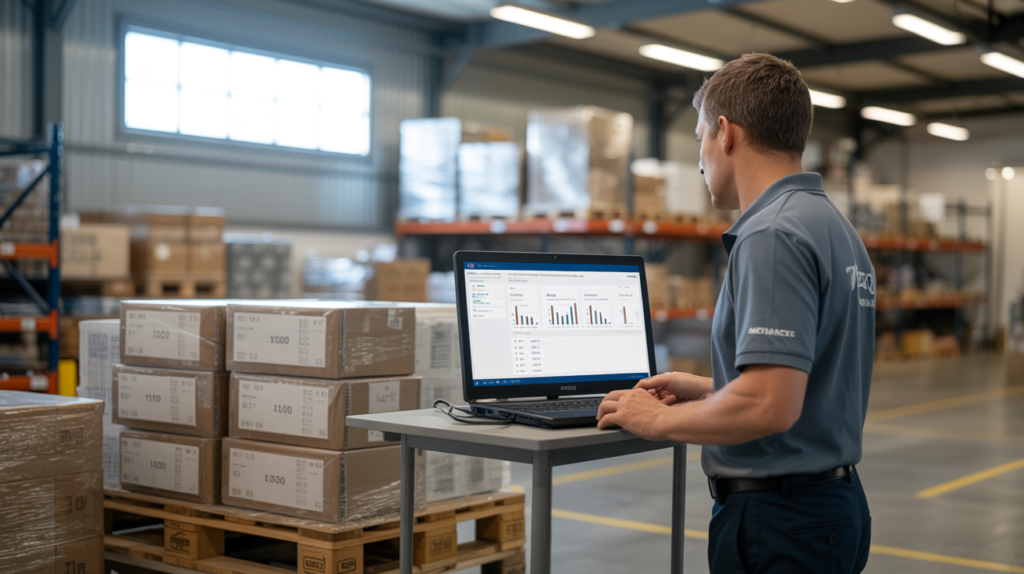
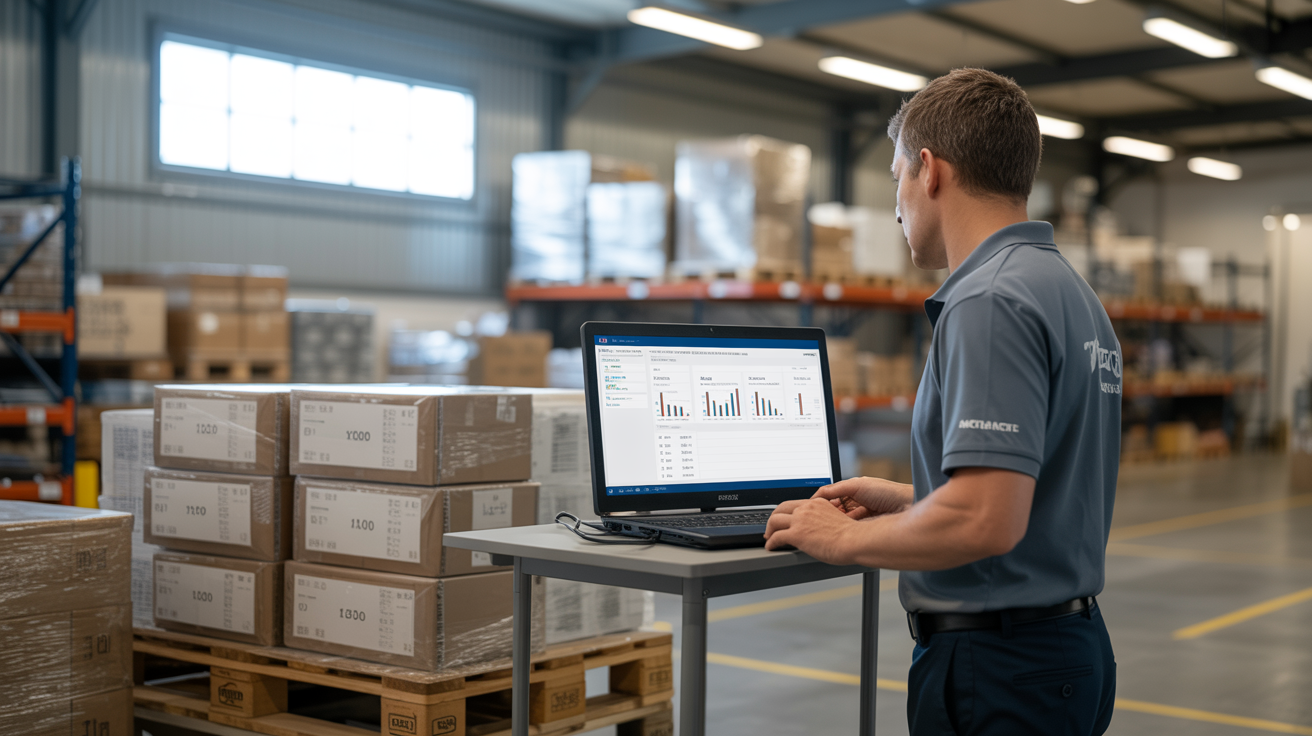
The dashboard isn't fancy, and that's the point. When Tatiana receives a pallet on our warehouse, she scans it in, and within minutes it shows up on your side as received inventory. You'll see unit counts by SKU, the cubic footage that inventory is occupying (this matters because our storage billing is $1/cubic foot/month, so you can literally watch your storage cost accrue), and any prep or fulfillment activity tied to that inventory.
One thing people don't expect: the system tracks partial shipments too. If your PO comes in as three separate truckloads over two weeks, Ysell doesn't wait for the "complete" shipment before showing activity — each truckload posts as it's checked in. We've had clients catch a short shipment from their supplier this way, days before they would've noticed it on Amazon's receiving reports.
Access is 24/7, which sounds like marketing language until you're a seller on the West Coast checking your prep queue at 11pm because you're launching a listing at midnight. That's a real use case we've seen more than once.
Where People Get Stuck With Ysell Login
Most login issues aren't actually Ysell problems — they're onboarding gaps. If you haven't completed our intake process, there's no account waiting for you at Ysell.pro. We set up your login credentials as part of onboarding, alongside your first inbound shipment instructions. If you signed up and never received login info within 24-48 hours, that's on us, not the platform, and you should email us directly rather than troubleshooting a password reset on an account that was never created.
Why We Didn't Build Our Own System
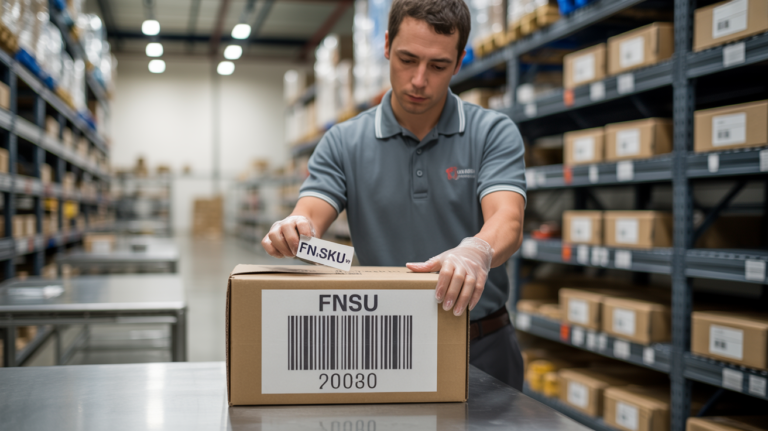
I get asked this occasionally, usually by sellers who've been burned by a 3PL's homegrown "portal" that was really just a spreadsheet with a login page. Fair skepticism. But Ysell is a purpose-built WMS used across multiple fulfillment operations, not something cobbled together for us specifically. That means bug fixes, uptime, and feature updates come from a team focused entirely on warehouse software — not from us trying to patch code between receiving pallets. We'd rather spend our engineering effort, such as it is, on actually running the floor: getting your FBA prep turned around in 24-48 hours, keeping FNSKU labeling accurate, and making sure same-day FBM cutoff at 11:59am actually means same-day.
What This Means for New Clients
If you're evaluating us and haven't started onboarding yet, know that the Ysell access isn't an add-on or a premium tier — it comes standard with every client relationship. There's no setup fee to unlock it, no extra monthly charge for "reporting access." You get it because we think a seller who can't see their own inventory in a 3PL warehouse is flying blind, and we've been Amazon sellers ourselves long enough to know how uncomfortable that feels.
By the time your first shipment arrives, you’ll already have Ysell login credentials sitting in your inbox and full visibility into what's happening to your inventory on our shelves in Lebanon, Ohio.
FAQ
How do I get my Ysell login for 365PrepCenter? You receive login credentials during onboarding, typically within 24 hours of completing intake, sent to the email address used on your account setup — not necessarily the email you used for an initial inquiry or quote request.
Is Ysell the same as 365PrepCenter's own software? No. Ysell is a third-party WMS platform (Ysell.pro) developed by Fulfillmentbox.com. We use it to run our warehouse operations and give clients real-time access, but we didn't develop the platform itself.
Can I see storage costs before I get an invoice? Yes. Since Ysell tracks cubic footage in real time and our storage billing is based on $1/cubic foot/month (or $40/pallet), you can watch the cost accrue rather than waiting for a monthly invoice to find out.
What if I never received a Ysell login after signing up? That means onboarding wasn't fully completed on our end, or the confirmation email landed in a different inbox than expected. Email us directly instead of trying to reset a password on an account that may not have been created yet.
Ready to see your inventory in real time instead of guessing? Start onboarding with us and we'll get your Ysell access set up alongside your first shipment.