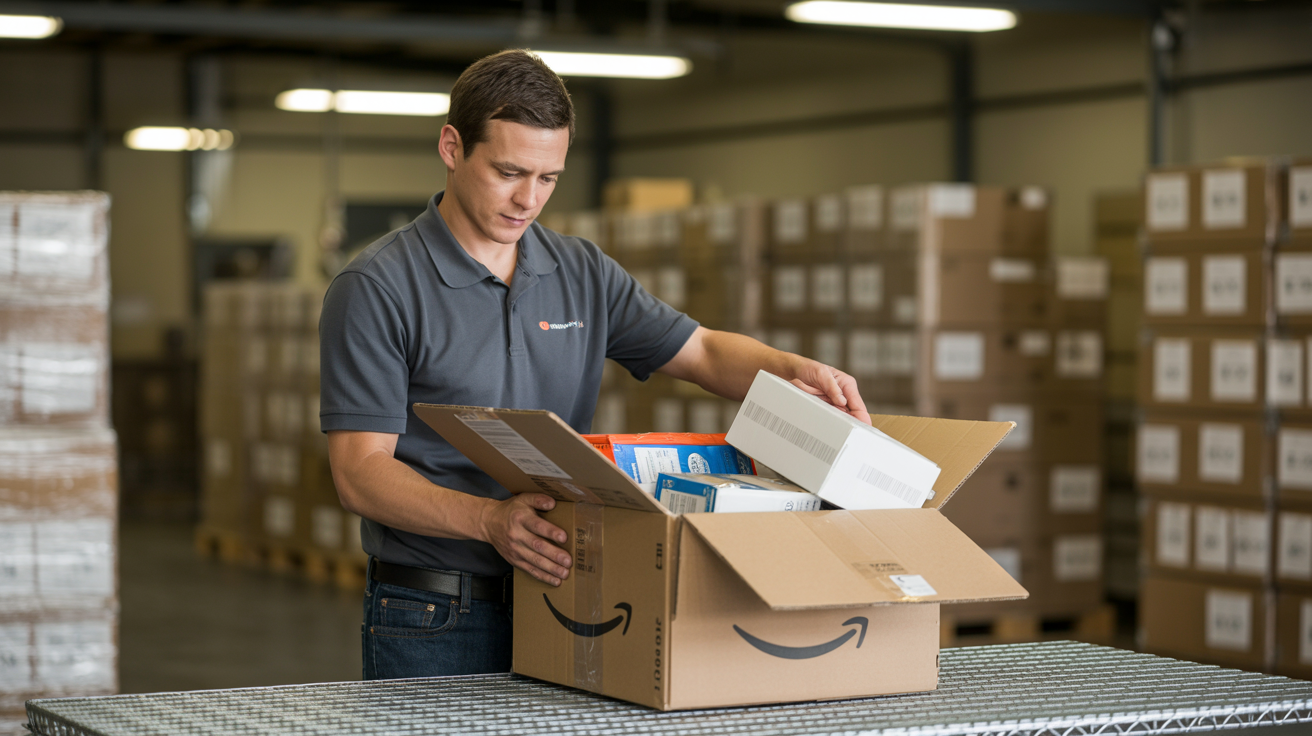
Amazon tells you your removal order shipped. Great. Now what? If you don't have a 3PL waiting to receive those boxes, you're looking at a pile of unlabeled, sometimes damaged, often mismatched inventory showing up at your house or garage with no plan for what comes next. That's the gap an FBA removal service at a 3PL actually fills — we take the shipment, sort it, tell you the truth about condition, and get it back into sellable shape or off to liquidation.
We run this process daily out of our Lebanon, Ohio warehouse, and I want to walk through what actually happens step by step, because most of the removal service pages I've seen online describe the concept but skip the mechanics. The mechanics are where sellers get surprised — usually by cost, sometimes by what condition their "sellable" units arrive in.
What Receiving Actually Looks Like
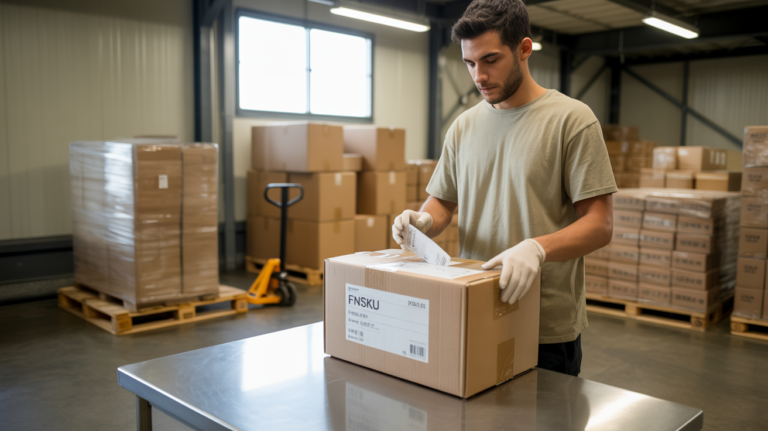
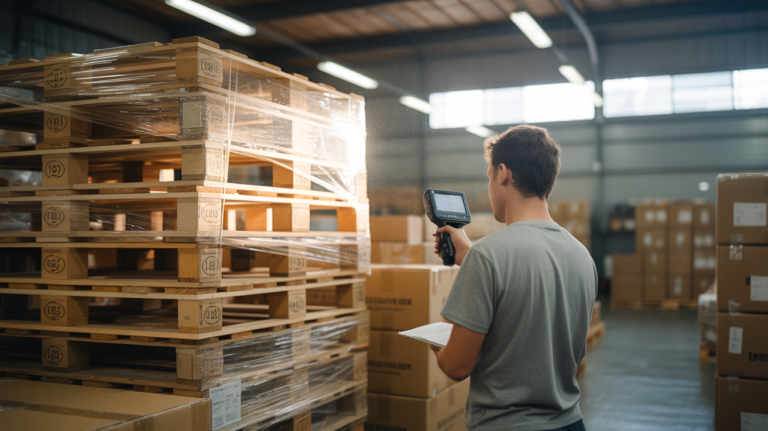
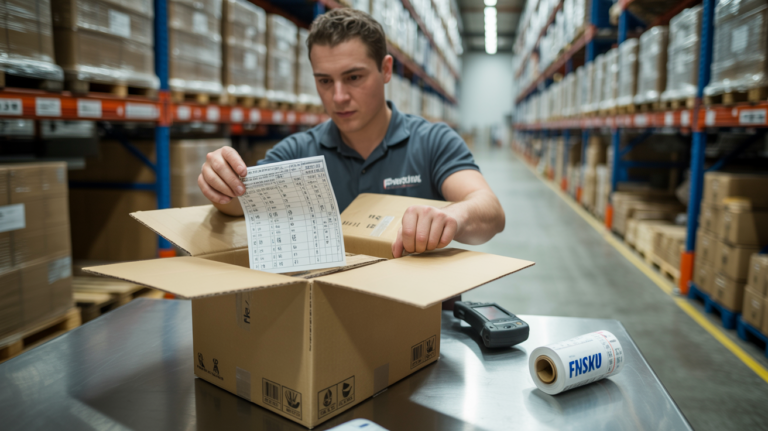
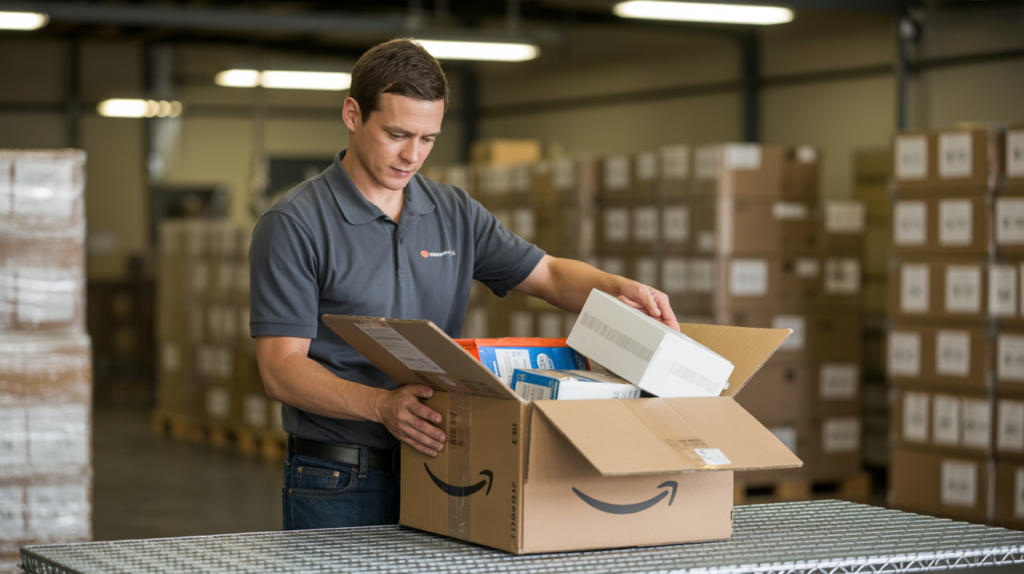
When your Amazon removal order lands at our dock, we don't just sign for it and stack it in a corner. Every box gets opened and every unit gets counted against your removal order manifest. This matters more than people expect — Amazon's removal counts and condition notes are frequently wrong. We've had shipments marked "sellable" arrive with torn retail packaging, missing accessories, or units that clearly got crushed somewhere between an Amazon fulfillment center and a truck.
That inspection is the part sellers underestimate. It's not a headcount — someone opens the polybag, checks the item against the manifest line, notes the condition, and photographs anything questionable. If you want the wider version of how our floor is organized around this kind of work, I wrote it up in what actually happens inside an Amazon FBA prep center.
Pallets get received right on our warehouse floor rather than staged outside, which matters in Ohio winters when cardboard sitting on a dock for even a few hours can pick up moisture damage you'll get blamed for later.
From Removal Pile to Sellable Inventory Again
Here's the part that actually determines whether a removal was worth doing: what happens after inspection. If units are genuinely sellable and just need new FNSKU labels — maybe your listing changed, maybe Amazon flagged the old label, maybe you're relisting under a different SKU — that's standard FBA prep pricing. 1-50 units runs $1.00/unit, and it steps down as volume goes up: $0.75/unit at 51-300, $0.50/unit at 301-1,000, and $0.35/unit once you’re over 1,000. Turnaround on relabeling is 24-48 hours from when we finish receiving, not from when the truck shows up.
If you're not sure whether the label on the box is the one Amazon wants back, that's a more common question than it sounds — the difference is laid out in FNSKU vs. UPC labels.
If units need to go back out as replacement inventory for a customer or a wholesale order instead of back into FBA, we can also handle that as a kitted or bundled shipment, and bundling is priced per set with no minimum order quantity, so even a small batch works.
The honest reality is a meaningful chunk of removal inventory isn't sellable no matter what label you put on it. Torn boxes, expired dates on consumables, water damage — we flag all of that separately and send you photos before doing anything with it. You decide: liquidate, donate, or have us dispose of it. We don't make that call for you, and I'd be skeptical of any prep center that does without asking.
Why Removals Pile Up Faster Than Sellers Expect
Most sellers running removals are doing it for one of three reasons — Amazon flagged the SKU for long-term storage fees, a listing got suppressed and inventory needs a new label, or a product is being discontinued and needs to exit FBA entirely. In all three cases, the mistake I see most often is sellers requesting the removal without a receiving plan already set up. Amazon doesn't wait for you to find a 3PL — the truck leaves on their schedule, and if there's no warehouse address ready to take it, you're paying for storage on inventory that's now sitting in transit purgatory or, worse, arriving at a residential address with nowhere to go.
We built our removals process specifically to plug into that gap — you set us as the return address before requesting the removal, and everything downstream (receiving, inspection, relabeling, storage) is already priced and ready to go. Full rates for every step live on our pricing page if you want to model the cost before you pull the trigger on a removal order.
If you also need ongoing storage while you decide what to do with recovered inventory, that's $1/cubic foot per month or $40/pallet, with your first 7 days free as a one-time new client benefit. There's no minimum volume on that — I explained how that works for small sellers in inventory storage with no minimum.
FAQ
How long does FBA removal processing take once it arrives at your warehouse? Receiving and inspection typically happens within 24-48 hours of the shipment arriving, since we're matching every box against Amazon's removal manifest. If units need relabeling afterward, that's a separate 24-48 hour turnaround on top, so plan on roughly 2-4 days total for a straightforward removal that's going back into FBA.
What does it cost to process an FBA removal? Receiving and inspection is priced per unit, and any relabeling or repacking afterward runs on our standard FBA prep rates. Current per-unit numbers for every removal step are on the returns and FBA removals page — send us your removal order manifest and we'll quote the whole job before anything ships.
What if my removal inventory isn't actually sellable? We flag it separately with photos before touching it further. You decide whether to liquidate, donate, or have us dispose of it — we don't automatically relabel or reship anything we haven't confirmed is in sellable condition.
Can I track my removal inventory once it's in your warehouse? Yes. Every client gets their own login and personal ID at Ysell.pro, the WMS we run our warehouse on. You can see unit counts, cubic footage, and current storage costs in real time, 24/7, without needing to email us for a status update. Setup steps are in our Ysell guide, and there's a longer walkthrough in Ysell login and guide.
Do I need to set you up as the return address before requesting the removal? Yes, and this is the single most common mistake. Amazon asks for the ship-to address at the moment you create the removal order, so the warehouse has to be in place first. Our get started page has the exact address block to paste in.